
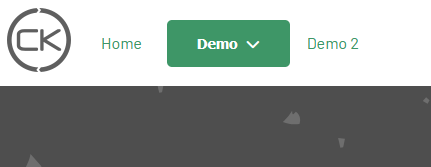
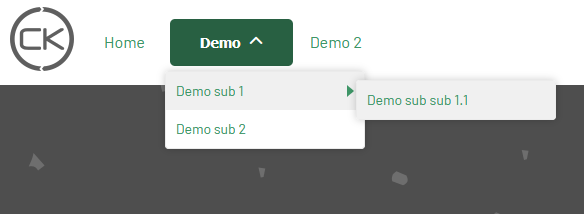
Since Joomla 6, the way to render the menu using the native module (mod_menu) has changed when you are using a submenu. The parent items are now buttons and it has an impact on the design. To fix this, there is now a new layout override of the mod_menu that you can use to get a normal menu again.
New joomla 6 menu with parent as button :
New joomla 6 menu with parent as button and submenu opened :
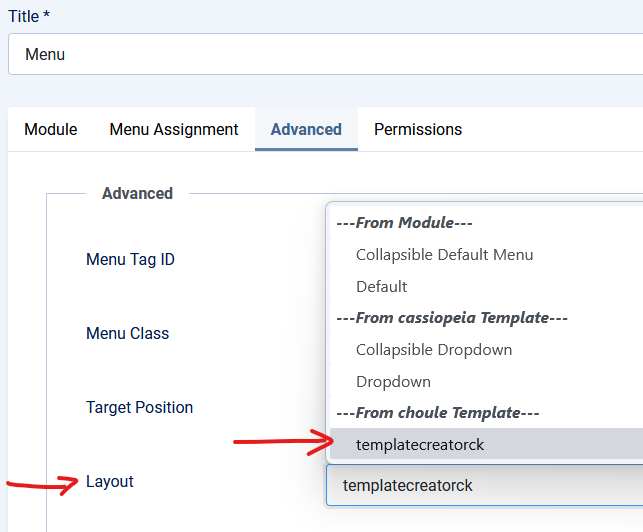
You can change that behavior by using the layout override created by Template Creator CK in your own template. To do that you must edit the menu module (using the Joomla modules manager) and go in the Advanced options >> layout >> Select "templatecreatorck"
Then your menu should like that :

And your menu when using the submenu :
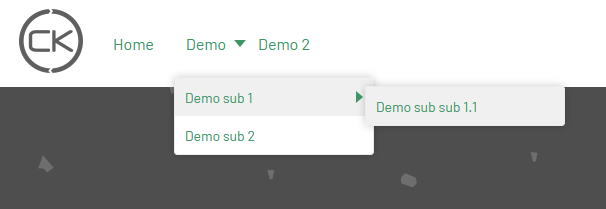
It looks like a normal menu again.
Important : the layout override will remove the <button> code but it means that your menu will loose some accessibility features. If you want to have an accessible dropdown menu, you can try using Maximenu CK.